Maps that tell a story
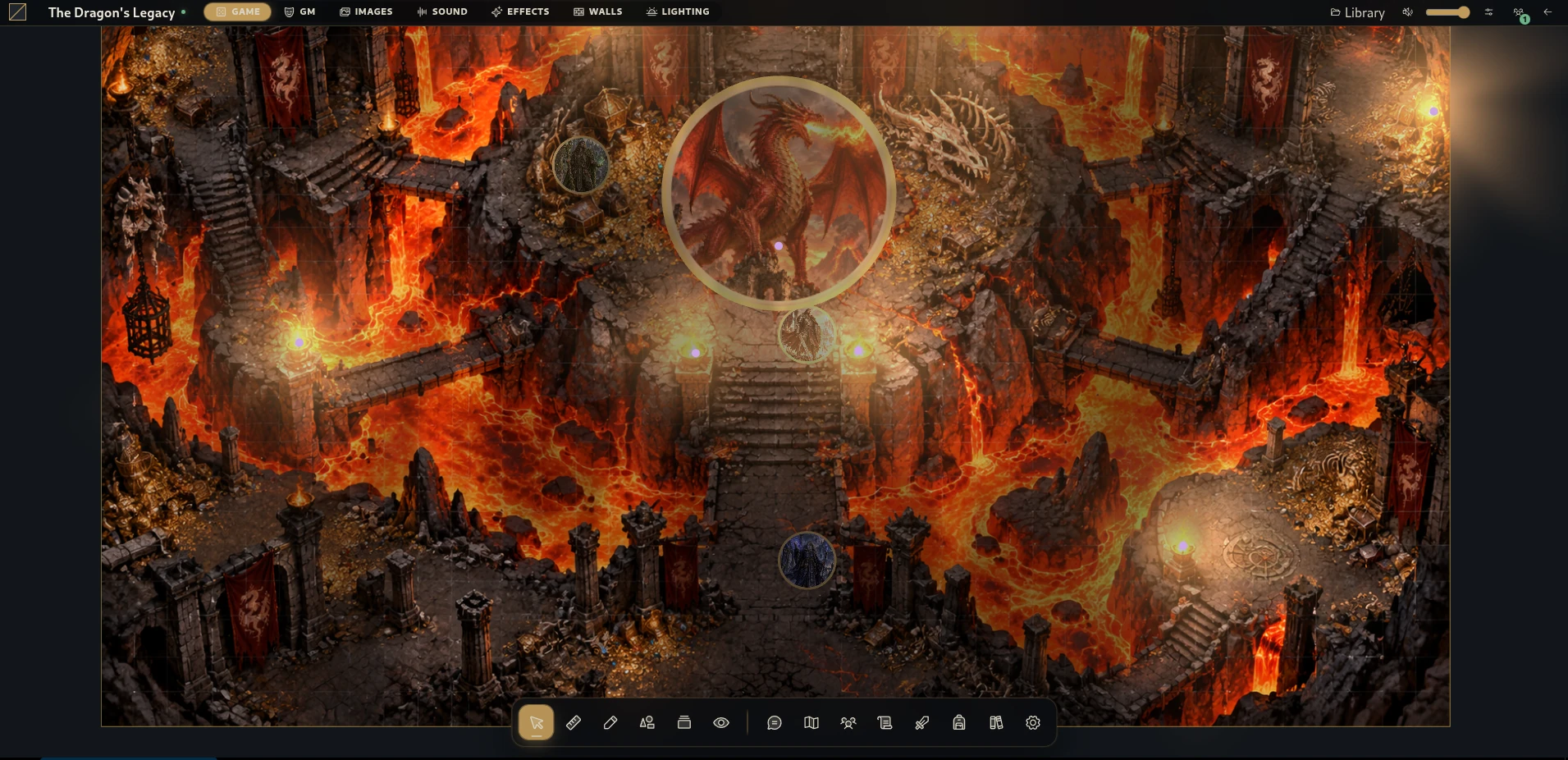
Build scenes with walls, lighting and fog. Choose what the players can see and when to reveal it.
Open-source virtual tabletop · 0.1.1

Your worlds deserve more than a grid and a character sheet.
Complete source ZIP with the Windows Runner · Windows x64
Why Gravewright?
From the first room to the last roll of the night, keep the places, characters and discoveries of your campaign together.
Build scenes with walls, lighting and fog. Choose what the players can see and when to reveal it.
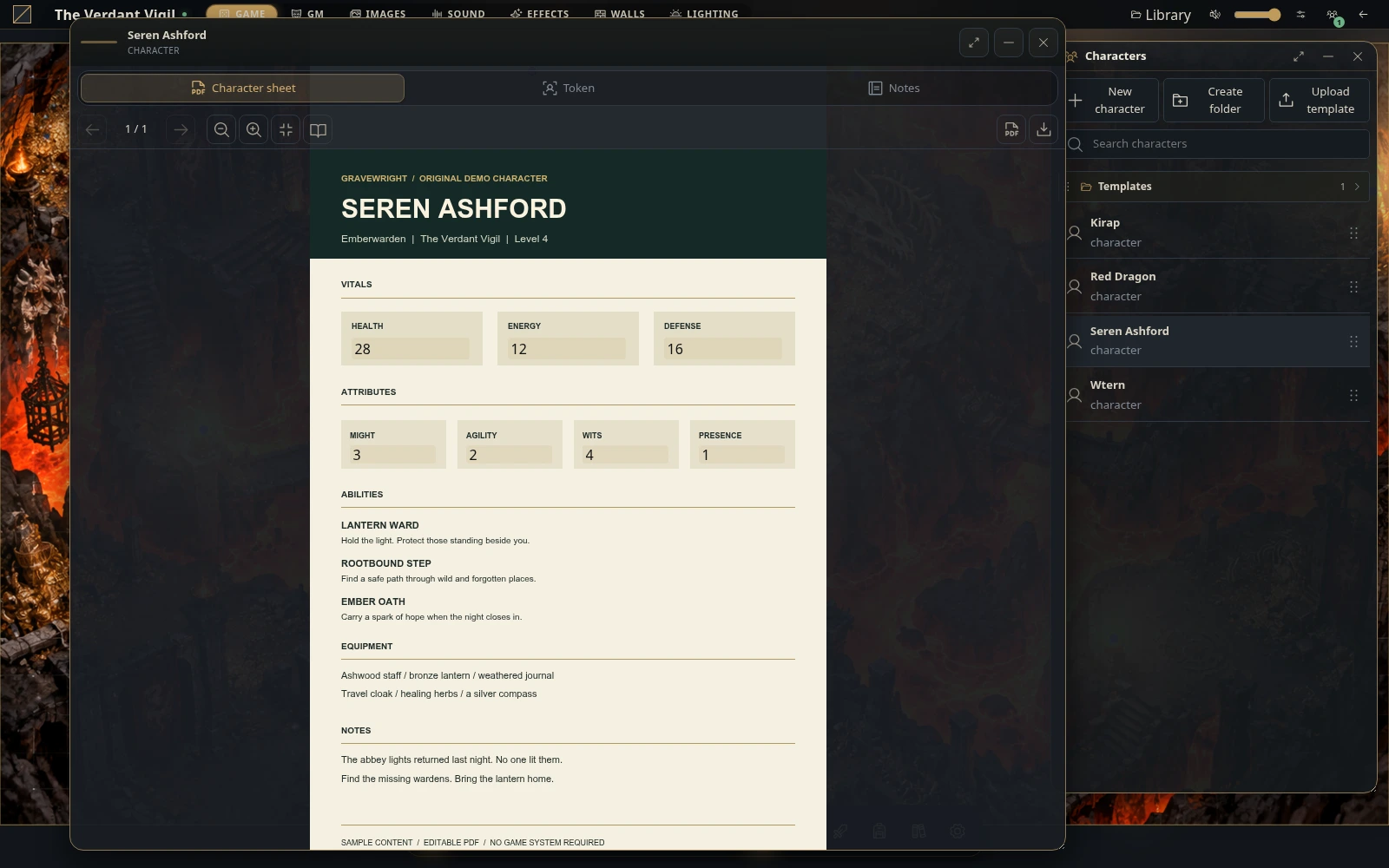
Connect actors and tokens with the PDF sheets your table already knows.
Keep journals, quests, handouts and compendiums close to the action.
Roll dice, share audio, draw cards and track combat without leaving the table.
Gravewright in action · 51 seconds
Watch The Dragon’s Legacy: a lava-filled battlefield, lighting and fog controls, and characters moving through the scene. A real capture of Gravewright, set to an orchestral battle soundtrack.
Organize the campaign, set permissions and broadcast the scene when the party is ready.
Join a network-hosted campaign, open your character and take your place at the table.
Keep characters, journals and shared discoveries together from one session to the next.
Your characters
The native Gravewright PDF System connects character actors, PDF sheets and field mapping with tokens on the map. Keep your character close to the story.
The current release
The first release of the Django implementation brings the tabletop, campaign tools, extension interfaces and a native Windows Runner together.
Release notes ↗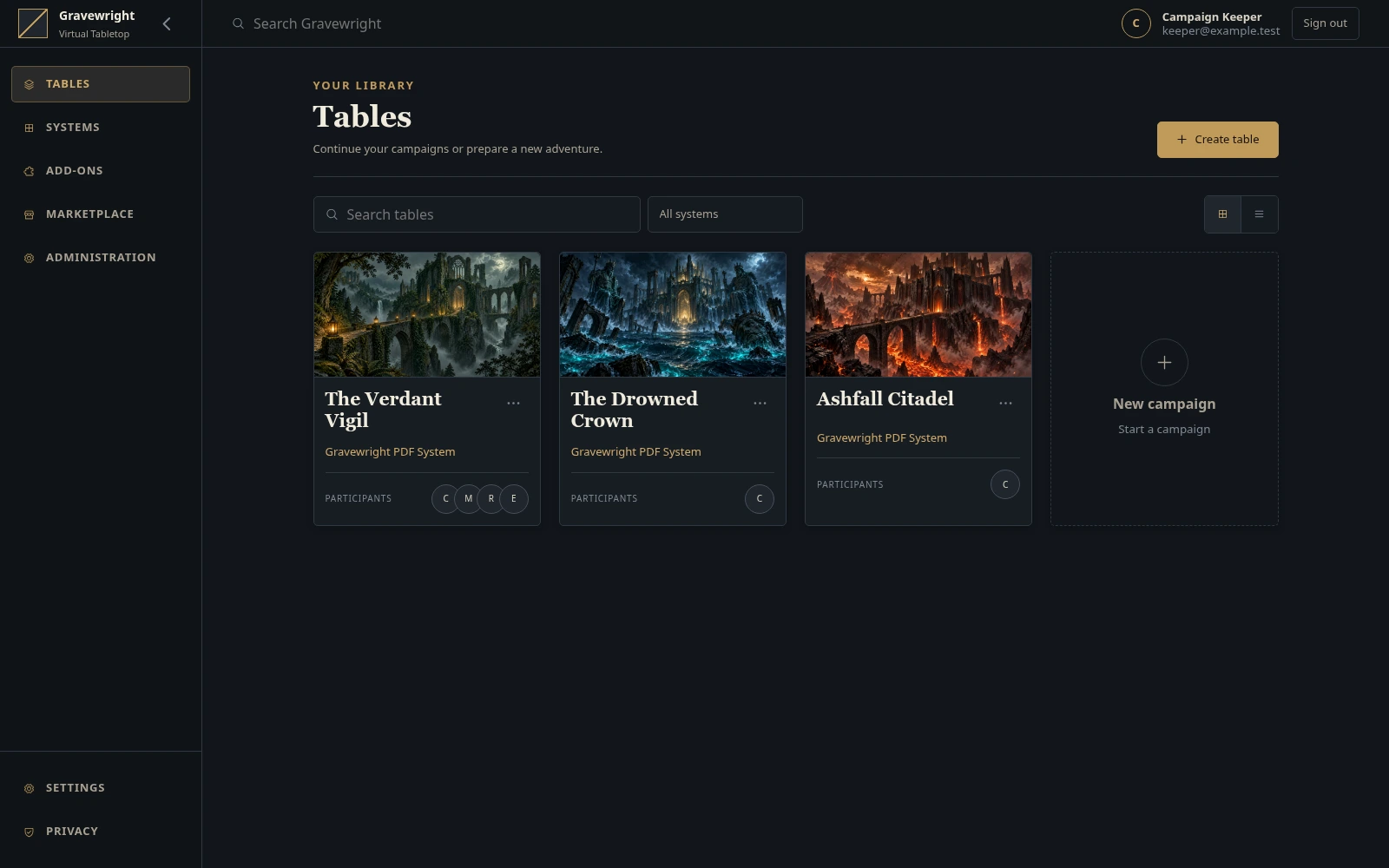
Checks uv, Python and Node.js/npm, prepares dependencies and builds the frontend before opening your browser.
The Runner stores personal data outside the source folder and reuses unchanged tools and frontend builds.
Documented Python, HTTP, WebSocket and browser interfaces help developers understand and extend the project.
Getting started, architecture, APIs, modules and deployment guides in English and Brazilian Portuguese.
Get Gravewright
On Windows, start with the complete project ZIP. The Runner takes care of the tools and dependencies it needs.
Windows 10 (1803+) or Windows 11 · x64 · Browser with WebGL
Extract the entire ZIP to a folder you can write to. Keep the project files together.
Double-click Gravewright Runner.bat. Missing tools and packages need an internet connection.
Wait for the browser to open, then create your first owner account. Keep the console open while playing.
For developers
Use Python 3.14 or newer and uv. These commands use a POSIX shell and preserve an existing .env file.
git clone https://github.com/Gravewright/gravewright.git
cd gravewright
uv sync --locked
cp -n .env.example .env
uv run --locked python manage.py migrate
uv run --locked python main.pyMake it your own
Build integrations, explore browser modules or contribute to the tabletop itself. Follow the documented interfaces, contracts and module lifecycle.
The section 7 Independent Module Permission allows independently written modules to use any license, including proprietary licenses, whether or not they use the provided APIs. Copies and modifications of core implementation code remain subject to its license.
Read the licensing policy ↗A few useful things
Under %LOCALAPPDATA%\Gravewright\data, including settings, database, media and logs. Stop the server and back up the whole data folder before replacing source files or applying updates.
The application UI currently supports English. The website and project documentation are available in English and Brazilian Portuguese.
Updates are manual. Download the new source after backing up your data. Release discovery does not install an update automatically.
Keep backups of important campaigns and check the user guide for current limits. The native PDF ruleset does not include a complete item editor or catalog.
Browser modules run in the main page. Install code you trust; package signatures do not provide a sandbox.
Help shape Gravewright
Report a reproducible bug, share feedback from a session, improve accessibility or help with code and documentation. Small, thoughtful contributions make a difference.
Your next story starts here